
Coding your Remote into Your Opener
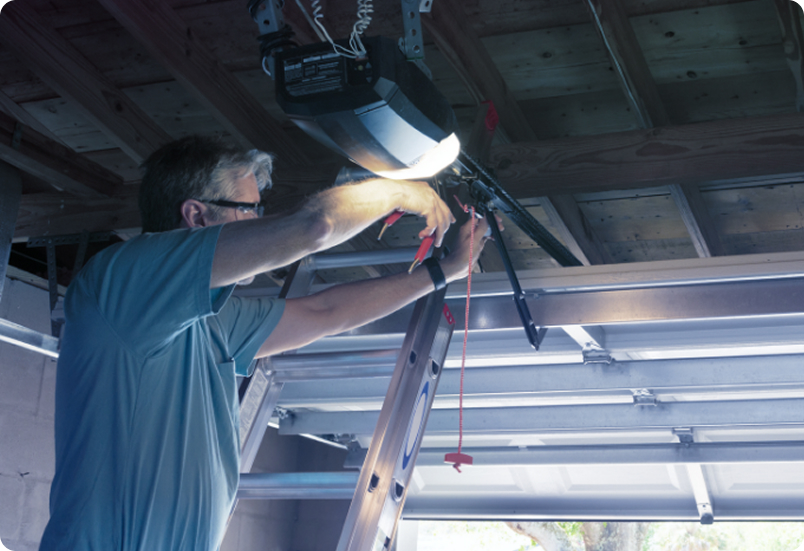
- Hinge open your courtesy light on your opener and find the 'learn" button.
- Press the Learn button until the LED grows solid.
- Press and hold the desired remote control button until the LED turns off.
- Press and hold the same remote button again and the LED will start to flash.
- Once the LED stops flashing, let go of the button and test your remote to ensure it has coded.
Deleting your codes
- Hinge open your courtesy light on your opener and find the 'learn" button.
- Press the Learn button until the LED grows solid.
- Press and hold the black "run" button until the LED begins to rapidly flash.
- Once the LED stops flashing, test you ensure your remotes no longer operate the opener.