
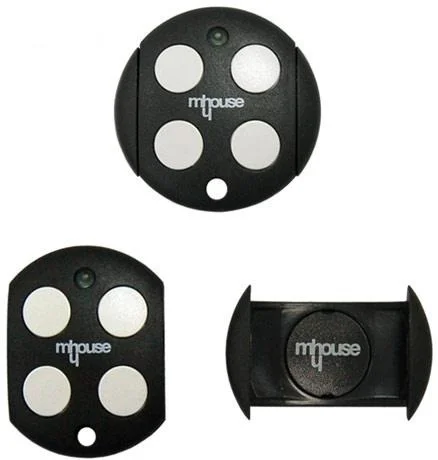
Mhouse Genuine GTX4 Remote Coding
Coding Instruction
- Unscrew the screw on the side of the motor and slide up the cover.
- Locate the P1 Button on the motor.
- Press and hold the P1 button for about 3 seconds or until the red light on the motor illuminates.
- Press and hold your desired button on your remote for approximately 2 seconds until the light on the motor flashes.
- Test remote to make sure it has coded successfully